
AlertFlow - Privacy Policy
Last Updated: January 24, 2026 | Version: 1.4.1
1. Introduction
AlertFlow ("App," "we," "us," or "our") is an Offline-First Life Operating System designed for intelligent notification management, device automation, and personal productivity. This Privacy Policy explains what data we access, how we process it, and your rights regarding your information.
Core Principle: AlertFlow processes all personal data locally on your device. We do NOT transmit your personal data (contacts, call logs, SMS, location, or calendar data) to external servers.
2. Data We Access vs. Data We Collect
We make a critical distinction between data we access locally to provide app functionality and data that is transmitted off your device.
2.1 Data Accessed Locally (Never Leaves Your Device)
The following data is processed entirely on your device by our local intelligence engine. This data is NOT transmitted to AlertFlow servers or any third parties.
| Data Type | What We Access | Purpose | Storage |
|---|---|---|---|
| Call Log | Call history (numbers, timestamps, duration, call type) |
• Identify VIP contacts based on communication frequency • Power "Smart Reminders" relationship health scoring • Trigger automations based on specific callers • Detect missed calls for follow-up reminders |
Device only. Deleted when app is uninstalled. |
| SMS Messages |
Metadata stored: Sender phone number, timestamp Content processed: Message body is read in real-time for keyword-based automation triggers and SMS forwarding |
• Detect incoming SMS to trigger notifications for VIP contacts • Keyword matching for automation routines (e.g., "forward SMS containing 'urgent'") • SMS forwarding to designated numbers • Calculate communication frequency for Smart Reminders • Send notifications and alerts based on user-configured rules |
Metadata: Stored locally on device Message body: Processed in memory only, NOT stored in any database |
| Contacts | Contact names, phone numbers, and photos |
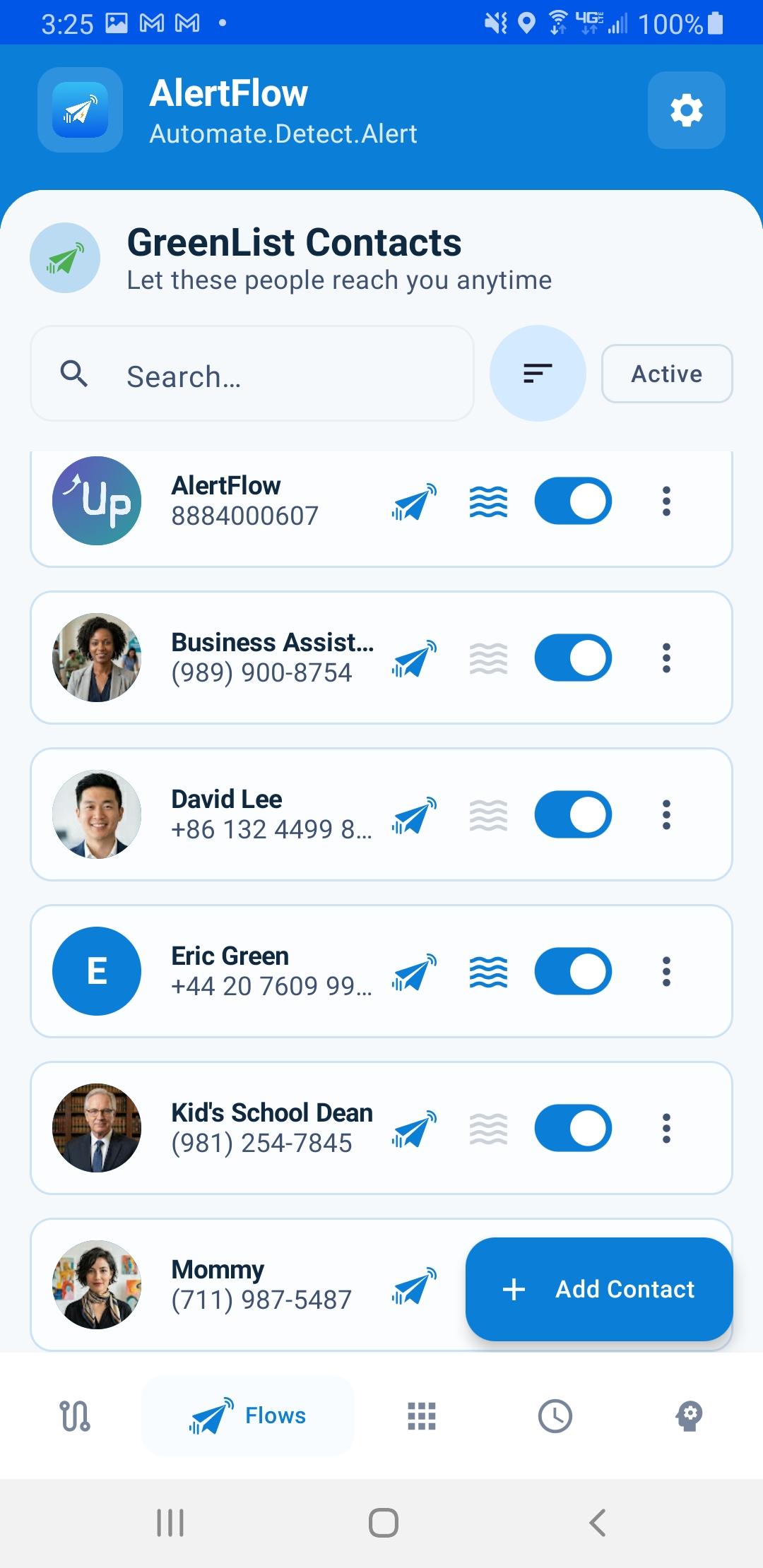
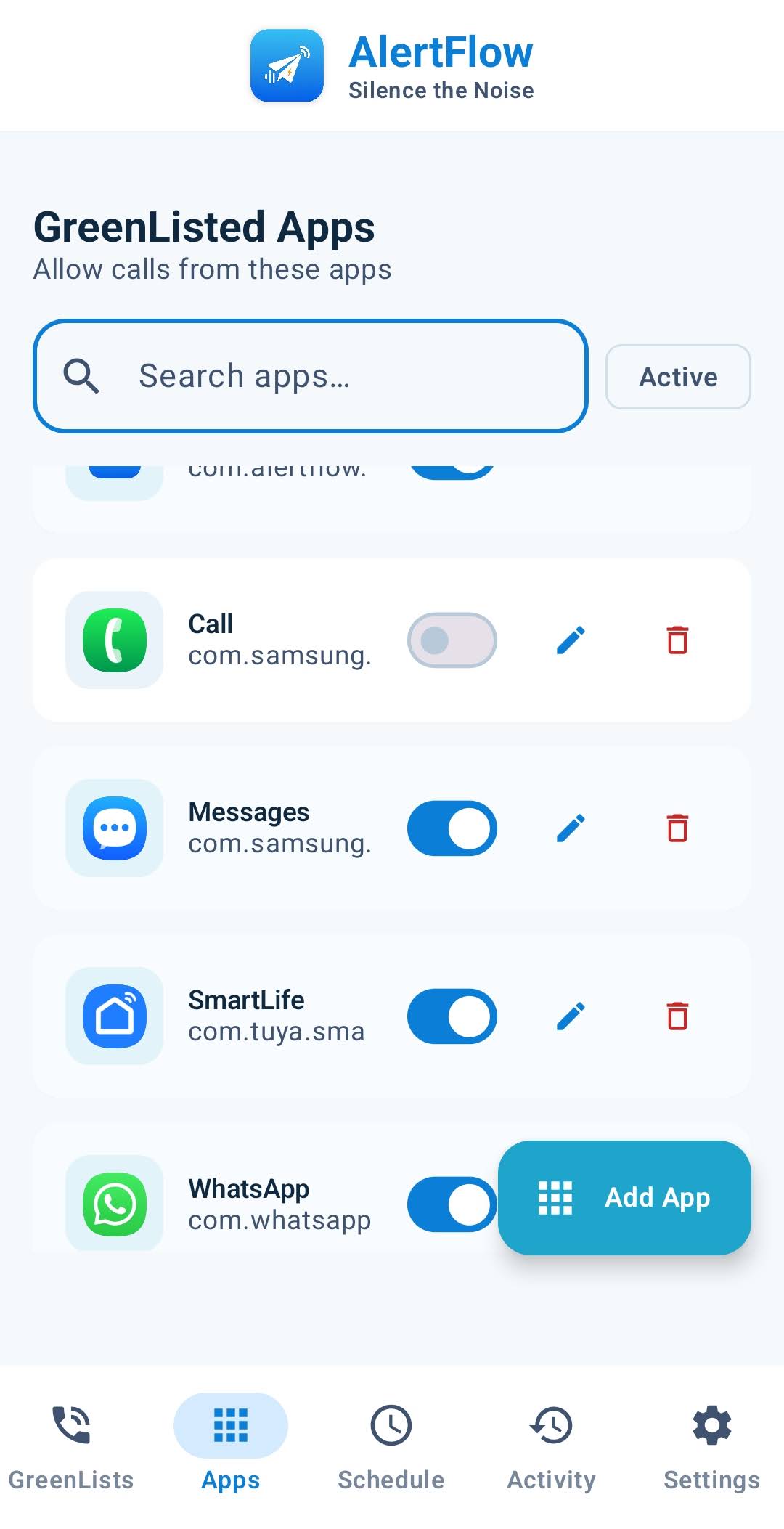
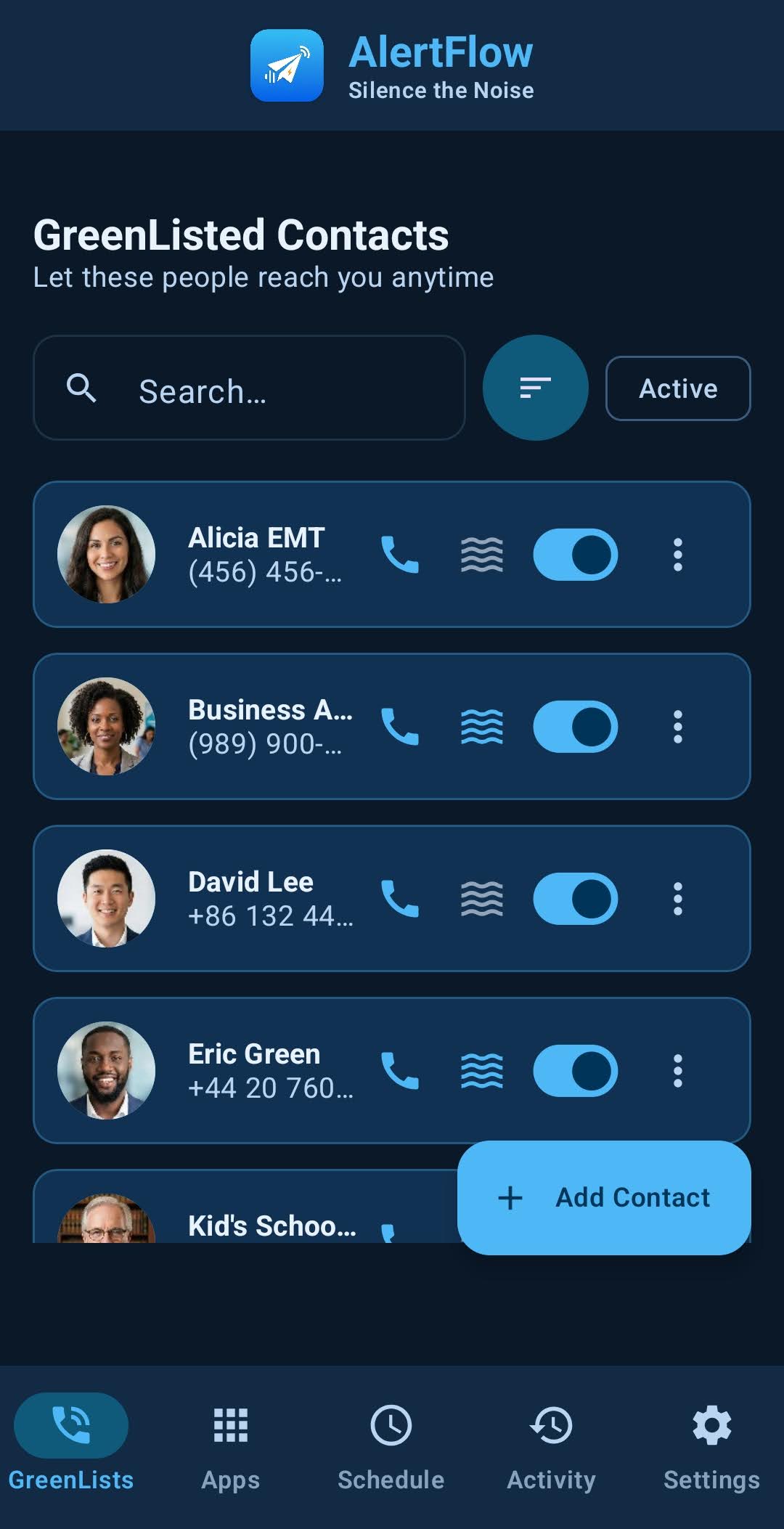
• Display caller/sender names in notifications • Build VIP contact list (Greenlist) • Power relationship tracking in FlowLife module |
Device only. Synced to local database. |
| Location | GPS coordinates (when features are enabled) |
• Geofenced Routines (e.g., "Silence when at Work") • Scheduled and triggered alerts (based on user configuration) • Location-based automation triggers |
Device only. Not stored permanently; used in real-time. |
| Calendar | Event titles, times, attendees, meeting links |
• Calendar Integration: Auto-join meetings, meeting prep reminders • Auto-DND during meetings • Smart scheduling suggestions |
Device only. Read in real-time. |
| Phone State | Incoming/outgoing call status |
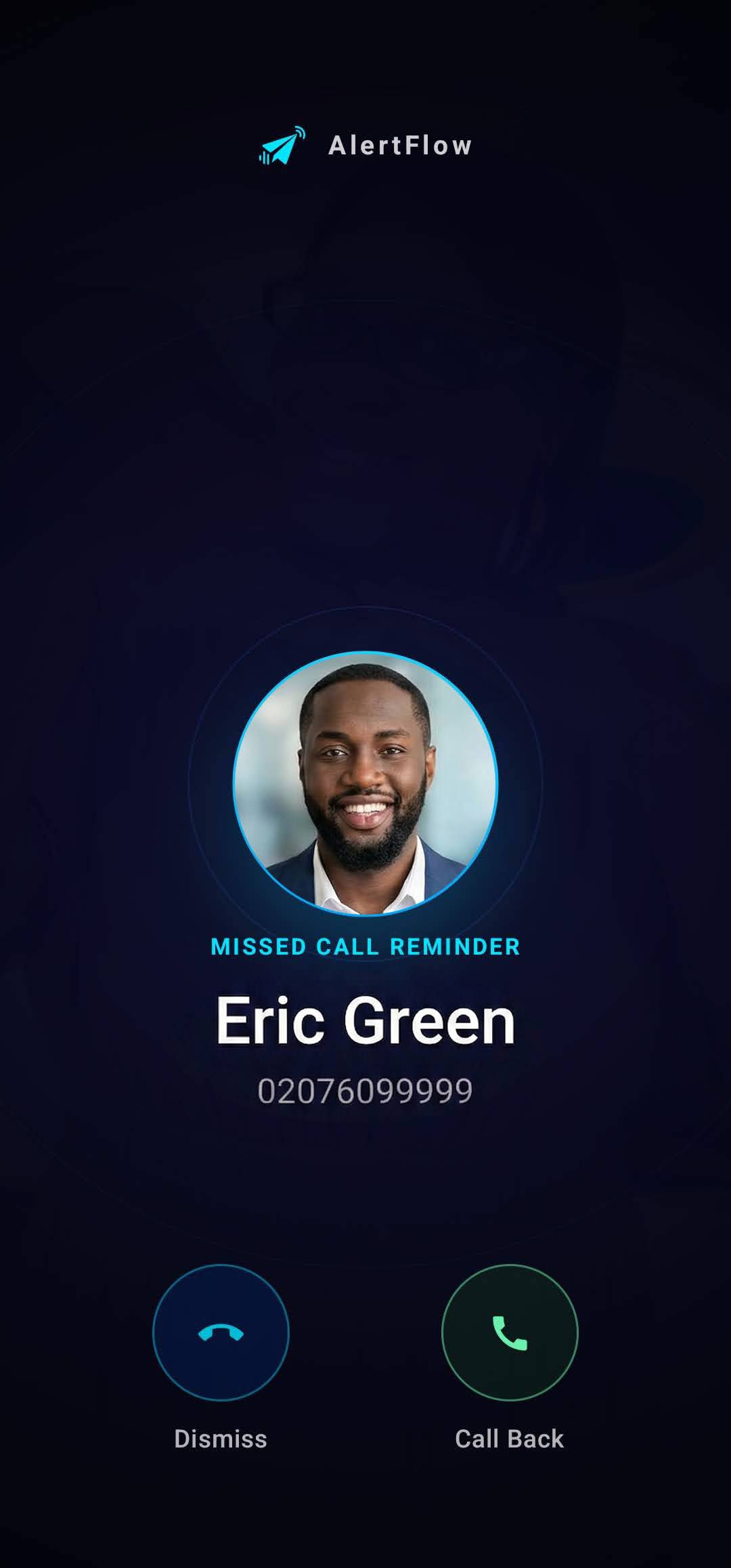
• Detect calls to trigger Flow alerts for VIP contacts • Distinguish incoming vs outgoing calls • Auto-mute during active calls |
Device only. Processed in real-time. |
| Activity Recognition | Motion sensors (walking, driving, still) |
• Driving mode automation • Sensor data for automation triggers • Activity-based routine triggers |
Device only. Not stored. |
| Notifications | App notifications (via NotificationListenerService) |
• Filter notifications from specific apps • Deliver VIP alerts through Do Not Disturb • Batch non-urgent notifications |
Device only. Processed in real-time. |
2.2 Data Transmitted Off-Device
The following limited data may be transmitted to facilitate app operations:
- License Validation: A hashed Device ID is sent to our licensing server solely to validate your license key and prevent unauthorized use. No personal data is included.
- Payment Processing: If you purchase a license, payment is handled by Google Play Billing or Stripe. We never see or store your payment card details.
- Crash Reports: If enabled by your device settings, Google Play Services may collect anonymized crash logs for stability monitoring.
We do NOT sell, share, or transmit your personal data (contacts, calls, SMS, location, calendar) to any third parties.
3. Sensitive Permissions Explained
AlertFlow requires certain Android permissions to function as a comprehensive life management tool. Below is a detailed explanation of each sensitive permission:
| Permission | Core Functionality | User Benefit |
|---|---|---|
| READ_CALL_LOG |
Required for core app features: • Smart Setup scans call history to auto-suggest VIP contacts • FlowLife calculates "connection scores" based on call frequency • Missed call detection triggers follow-up task creation |
Never miss important calls. Automatically prioritize people who matter most. |
| WRITE_CALL_LOG |
Required for call management feature: Feature lets users automate call and logs |
Automate call log management as part of device routines. |
| PROCESS_OUTGOING_CALLS |
Required for automation triggers: Trigger user-defined call actions on outgoing calls |
Automate device actions when you make calls. |
| READ_SMS RECEIVE_SMS |
Required for core app features: • Detect incoming SMS from VIP contacts to trigger special alerts • Read message content for keyword-based automation triggers • Enable SMS forwarding to designated numbers • Smart Setup analyzes message frequency to identify important contacts • FlowLife tracks communication patterns for relationship health Note: Message content is processed in real-time only and is NOT stored |
Get notified for important messages even in DND mode. Automate actions based on message keywords. |
| SEND_SMS |
Required for automation and safety features: • Location data used for location-based automation triggers • SMS forwarding (forward incoming messages to another number) • Auto-reply messages via Routines • Scheduled message reminders (FlowLife) |
Send emergency alerts automatically. Forward important messages when away. |
| READ_PHONE_STATE |
Required for core app features: • Detect incoming calls to show VIP caller alerts • Distinguish incoming vs outgoing calls • Detect call state for automation triggers |
Visual alerts for important callers. |
| ACCESS_FINE_LOCATION ACCESS_BACKGROUND_LOCATION |
Required for location-based automation: • Geofenced Routines (auto-silence at work, auto-WiFi at home) • Location data used for location-based automation rules • Background location enables geofence triggers when app is closed |
Automate device settings based on where you are. |
| READ_CALENDAR WRITE_CALENDAR |
Required for Calendar Integration feature: • Read calendar to detect upcoming meetings • Auto-join video meetings • Create reminder events for tasks |
Never miss a meeting. Auto-join with one tap. |
| READ_CONTACTS |
Required for core app features: • Display contact names in VIP alerts • Build and manage your Greenlist (VIP contacts) • Show contact photos in notifications |
See who's calling/messaging at a glance. |
| NOTIFICATION_LISTENER |
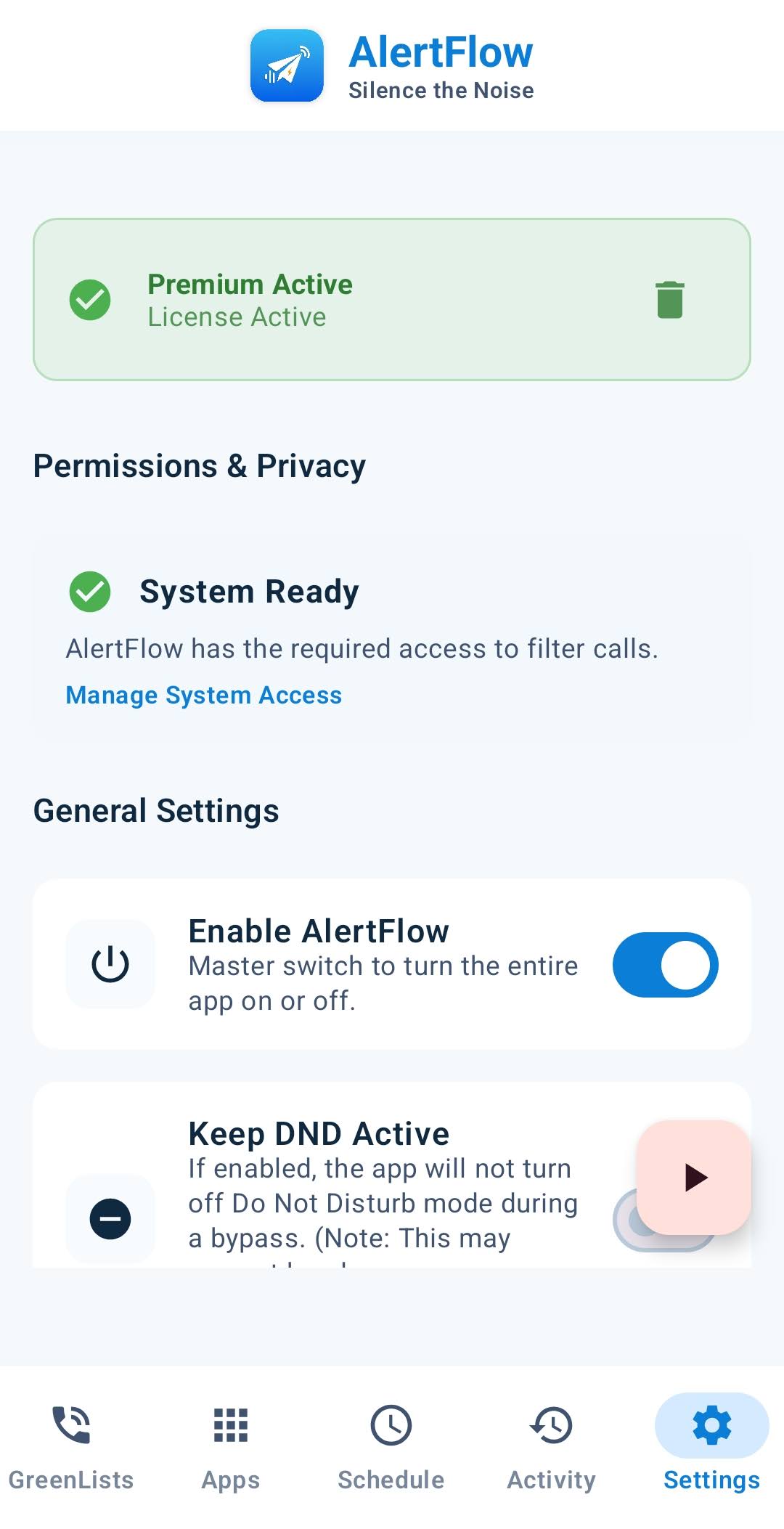
Required for notification management: • Filter and manage app notifications • Allow VIP alerts through Do Not Disturb • Batch non-urgent notifications |
Take control of your notification experience. |
| ACTIVITY_RECOGNITION |
Required for motion-based automation: • Detect driving for auto-DND mode • Sensor data for automation triggers • Activity-based routine triggers |
Hands-free safety while driving. |
| CAMERA |
Required for flashlight automation: • Flash alerts for incoming VIP calls • Flashlight strobe for bypass alerts |
Visual alerts when sound isn't appropriate. |
4. Data Storage & Retention
- Local Storage: All user data (routines, VIP contacts, tasks, settings) is stored locally on your device in encrypted databases.
- No Cloud Sync: Your data is not synced to cloud servers. If you switch devices, you can export/import your data manually.
- Data Deletion: Uninstalling AlertFlow permanently deletes all app data from your device.
- Retention Period: Communication logs used for Smart Reminders are retained locally for up to 90 days, then automatically purged.
- SMS Content: Message body/content is processed in real-time memory only and is never written to any database or file.
5. Data Sharing
We do NOT:
- Sell your personal data to third parties
- Share your data with advertisers
- Use your data for marketing purposes
- Transmit your contacts, call logs, SMS, or location data to any external servers
Limited Exceptions:
- Legal Requirements: We may disclose information if required by law or valid legal process.
- Service Providers: Payment processors (Google/Stripe) handle transactions. They do not receive your personal app data.
6. Data Security
- All local databases are encrypted using Android's security framework
- License validation uses secure HTTPS connections
- No personal data is stored on our servers
- App follows Android security best practices
7. Your Rights & Controls
You have full control over your data:
- View Data: Access all stored data within the app's settings
- Export Data: Export your routines and settings via the Data Management feature
- Delete Data: Clear all app data from Settings → Data Management → Clear All Data
- Revoke Permissions: Disable any permission via Android Settings at any time (some features may not work)
- Uninstall: Removing the app deletes all local data permanently
8. Children's Privacy
AlertFlow is not intended for use by children under 13. We do not knowingly collect data from children.
9. Changes to This Policy
We may update this Privacy Policy periodically. Significant changes will be communicated via in-app notification. Continued use of the app after changes constitutes acceptance of the updated policy.
10. Contact Us
For privacy inquiries or data requests:
Email: [email protected]
General: [email protected]
Address: P.O. BOX 1, HAGERSTOWN, MD 21741, USA
11. Google Play Data Safety Compliance
In accordance with Google Play's Data Safety requirements, AlertFlow declares:
- Data Collected: Device ID (hashed, for license validation only)
- Data Shared: None
- Data Processed Locally: Contacts, Call Log, SMS (metadata stored, content processed in real-time only), Location, Calendar, Activity Recognition
- Security Practices: Data encrypted in transit and at rest
- Data Deletion: Users can delete all data via app settings or by uninstalling